AI Image Upscaler NEW
Upscale your images up to ×4 with an AI engine running entirely in your browser. No upload, no server, 100% private. Process multiple images at once.
Drop images or click to browse
JPEG · PNG · WebP — max 10 MB each · multiple files supported
Preparing AI engine…
Enhancement complete
See the difference
Same image, three tools — judge for yourself.

Basic
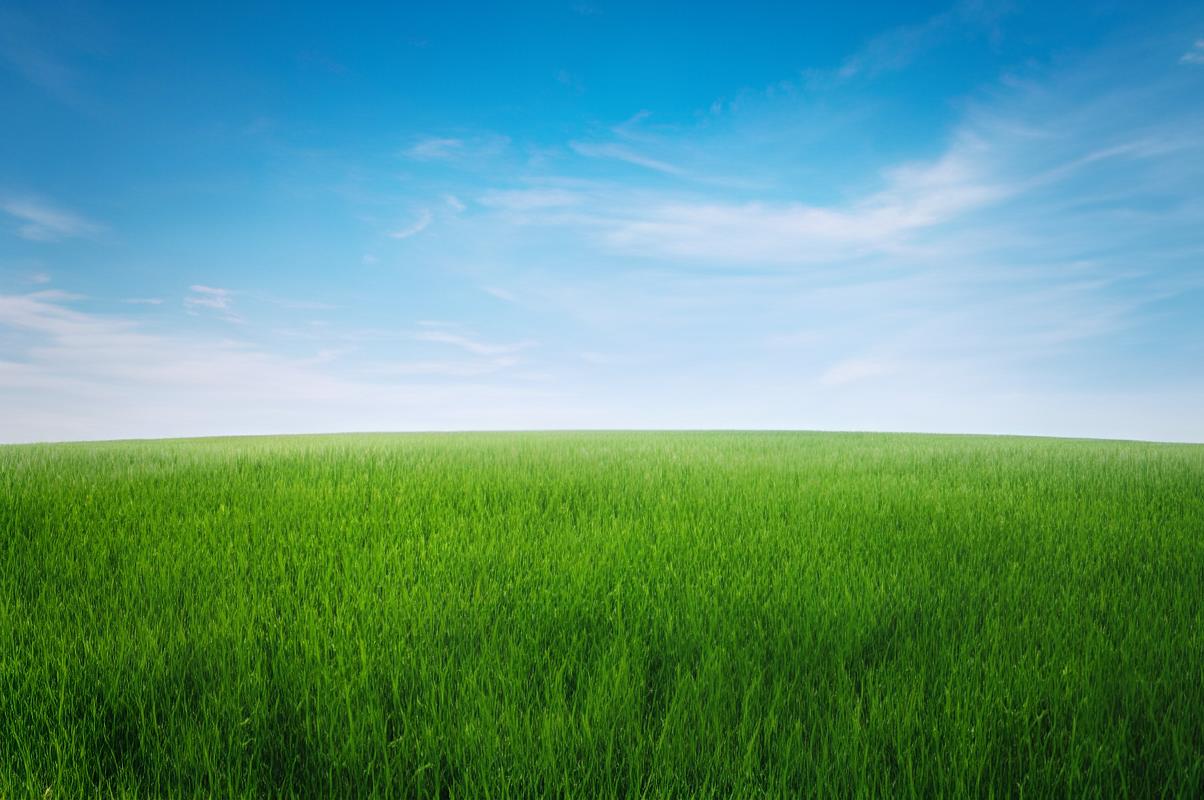
ILoveIMG
QualityLimited
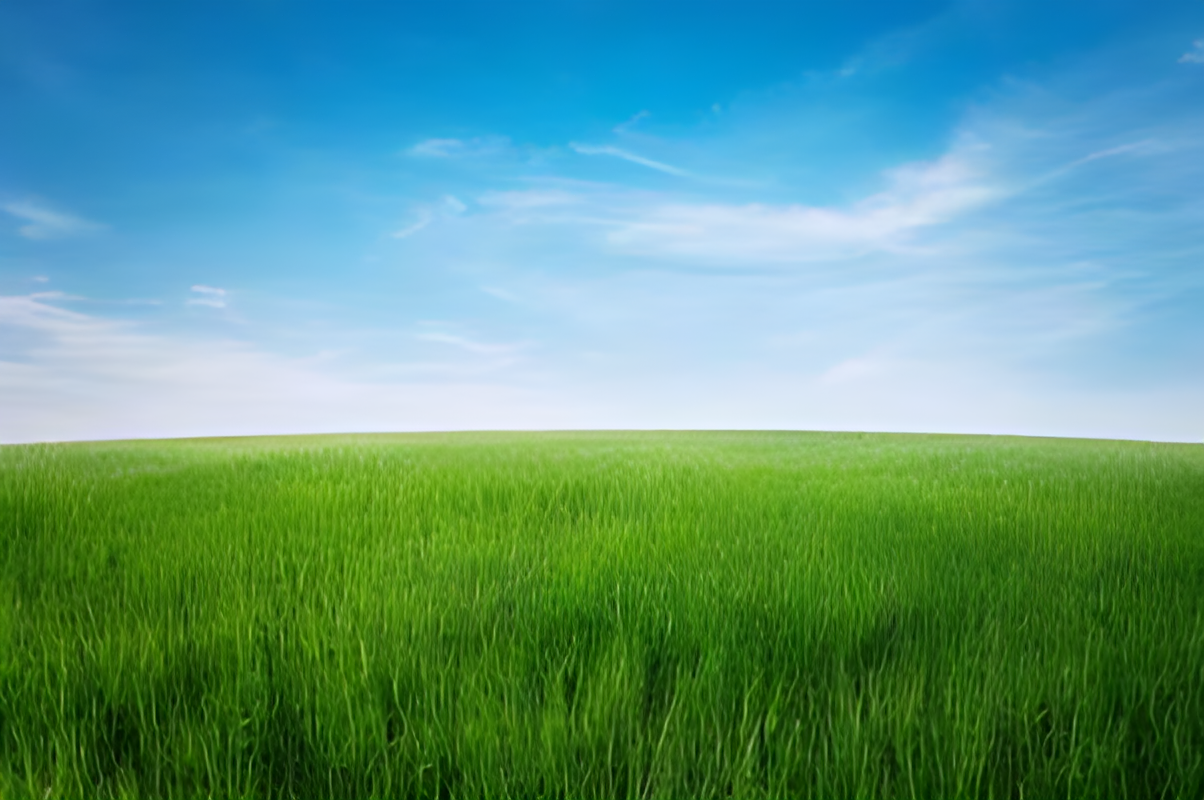
VeritySuite
QualityFree · Unlimited
×![]()
How it works
1
Load images — JPEG, PNG or WebP up to 10 MB. Select multiple files at once.
2
Click Enhance — the AI model runs entirely in your browser and upscales ×4 in 5–20 seconds.
3
Click Enhance — one image at a time or all at once. The AI model runs entirely in your browser.
4
Compare & download — drag the divider to compare before/after, then save individually or all at once.
⚡ The AI model (~5 MB) downloads once on first use and is cached. Processing takes 5–20 seconds depending on image size.